A practical buying checklist
Check a find before you buy
Preview the look, verify the seller and variant in actual QC photos, then compare your quote and any eligible offer. Follow one listing through the checks below.
Before you order
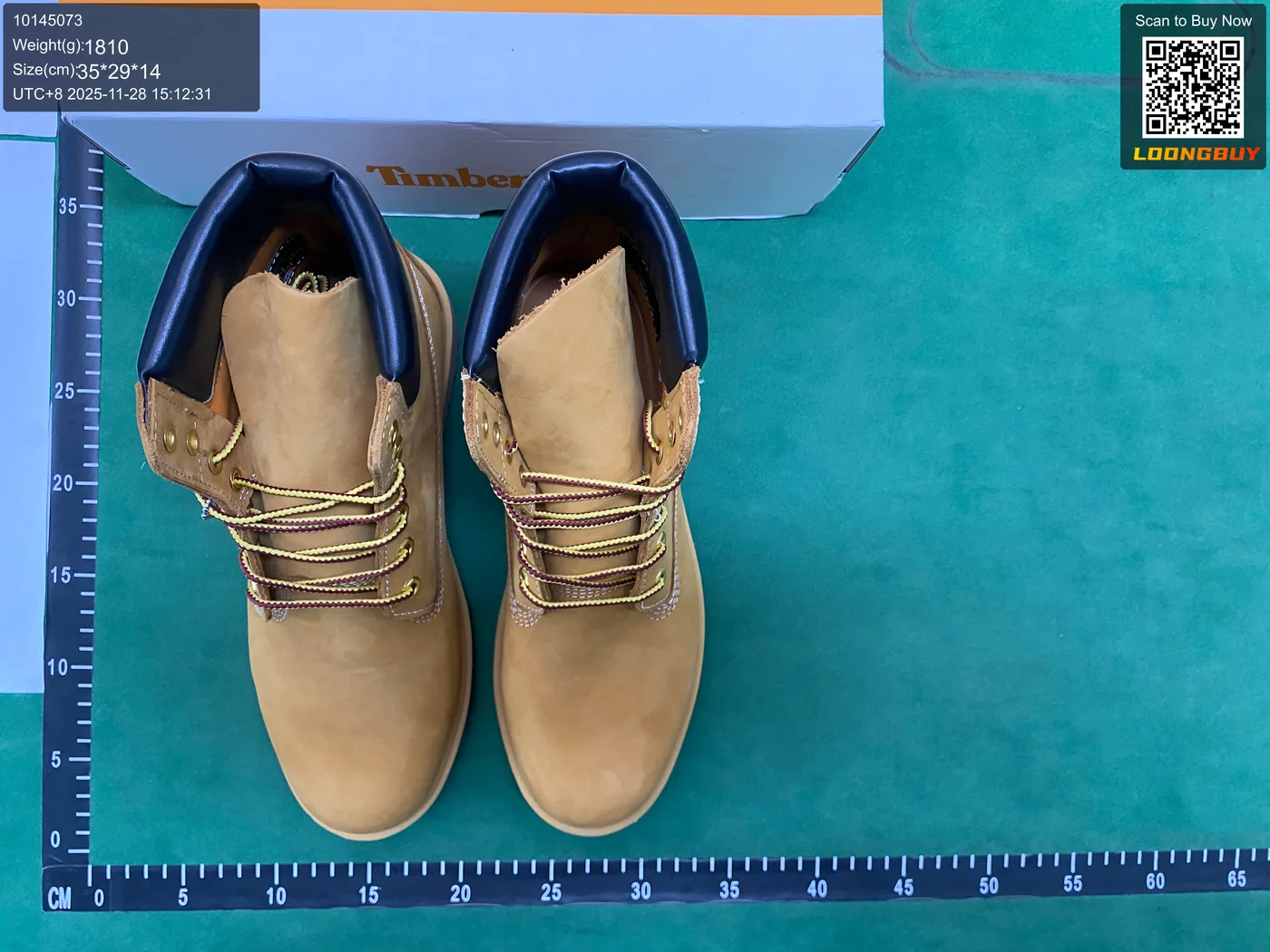
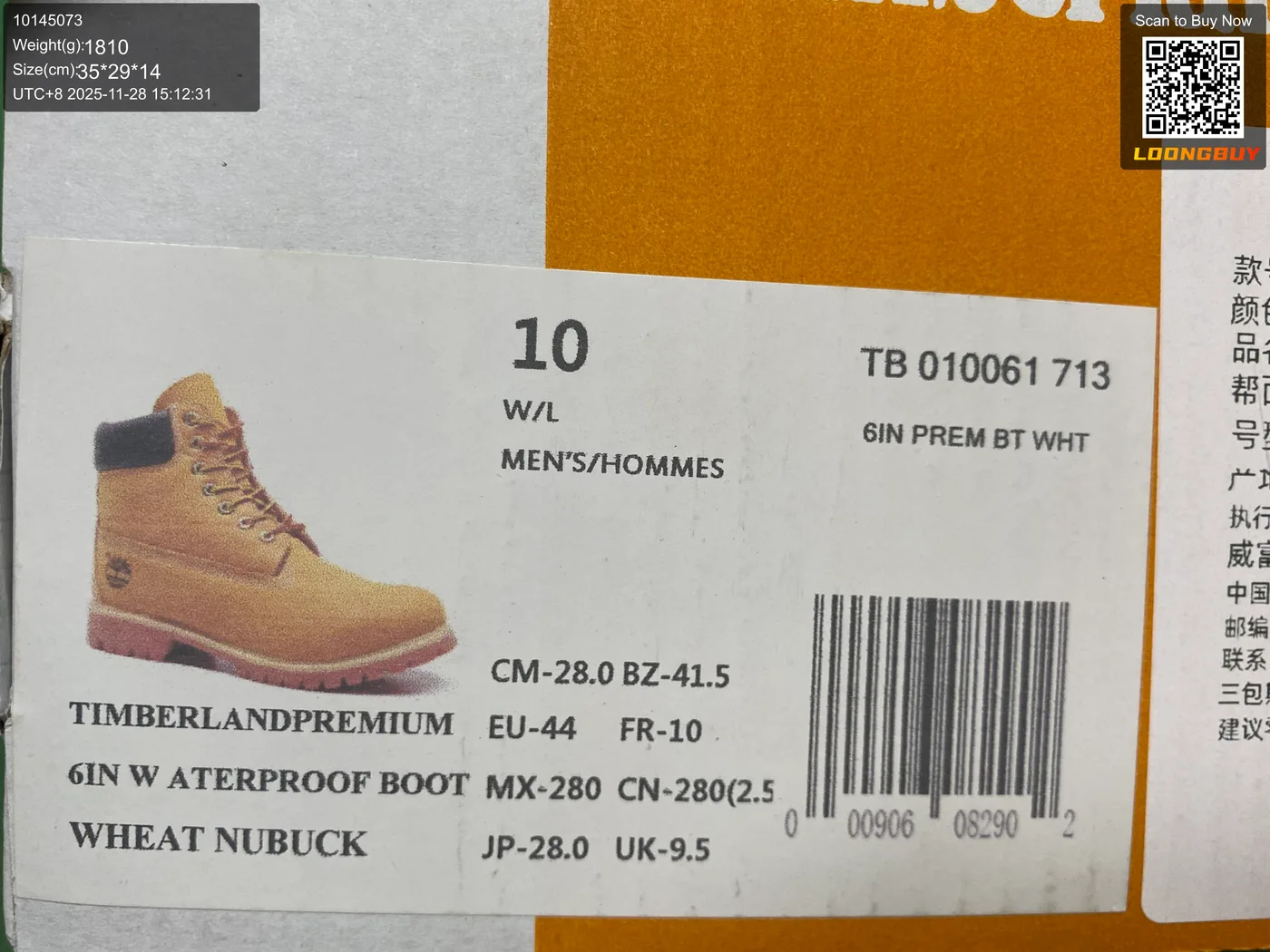
A worked example: tan Timberland 6-inch boots

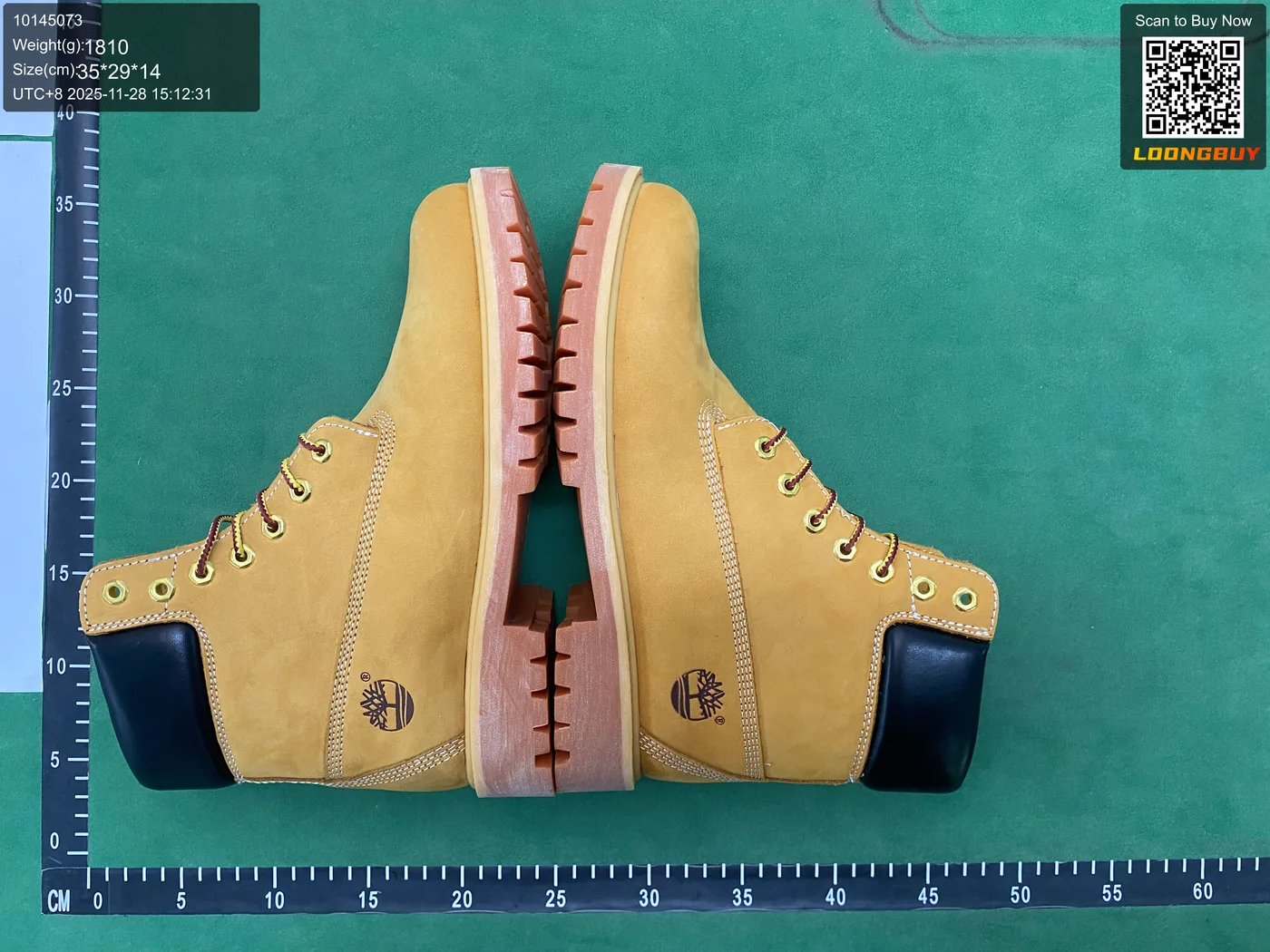
Look closer at the QC photos
These photos show an earlier sample. After Boonbuy receives your order, review the photos of your own pair in Warehouse before approving shipment.
Compare the amount you would actually pay
Ten mistakes to avoid
Comparing different variants
A low displayed price may be for another colour, size or quantity.
Safer move: Compare the exact seller variant and check what the quote includes.
Ordering your usual size
Sizing varies between sellers and models.
Safer move: Measure a piece that fits, compare the seller’s size chart and ask for an insole or garment measurement if needed.
Using an AI preview as evidence of fit
An outfit preview helps with style and proportions.
Safer move: Choose the size from measurements, and review the delivered item in warehouse photos.
Using the wrong QC photos
Similar items can come from different sellers, colours or batches.
Safer move: Match the original seller link and colour first. Review Boonbuy’s own photos before approving your parcel.
Counting on an offer too early
Coupons can have minimum spend, eligible routes and expiry dates.
Safer move: Apply the eligible offer in your account and compare the amount due at checkout.
Missing shipping restrictions
Some items can be purchased but have limited shipping options.
Safer move: Check prohibited items and route restrictions before ordering.
Expecting a fixed delivery date
Warehouse handling, carriers and customs can all affect timing.
Safer move: Use the carrier estimate as a range and track the parcel after dispatch.
Leaving variant details unclear
Manual orders and listings with many options can be easy to misread.
Safer move: Write the exact colour, size and model in the order note. For resale listings, confirm condition and return terms first.
Shipping each item separately
Separate parcels can each have their own minimum or base charge.
Safer move: Compare a combined parcel with separate shipping using packed weight, dimensions and the available routes.
Skipping the record of what you approved
It is harder to resolve a mismatch without the order and inspection record.
Safer move: Save the seller link, agent quote, order number and warehouse photos. Ask support before approving an uncertain item.
Three more, after you pay
The ten above all happen before checkout. These three come after checkout, while the parcel is with Boonbuy and the carrier.
Letting the free storage run out
Items store free for 90 days from shelving. After that a daily fee starts, and there is a hard limit on how long anything can stay.
Safer move: Decide early what ships together and submit one parcel. The fee formula and the limits are on the fees page.
Expecting tracking on dispatch day
Tracking often lags dispatch by up to 48 hours. Give it that long before worrying.
Safer move: Wait out the window before contacting support. The earlier-stage checks on the journey page still work while you wait.
Assuming the freight quote includes import tax
Only routes marked TAX FREE include customs handling and charges. On other routes the border bill is yours when the parcel lands.
Safer move: Read the route's tax line before paying freight.
Last reviewed 2026-07-26 · Partner guide based on Boonbuy materials. Confirm live fees, routes and policies on the official Boonbuy website.